

Online banking makes it easy to check your balance, pay bills, and transfer money from home. It also creates opportunities for scammers who want access to those same accounts. The good news is that a handful of simple steps — done once — will protect most people from most threats.
Key Takeaways
- Adults 60 and older lost $7.7 billion to internet crime in 2025, up 60% from 2024. (FBI IC3)
- A strong, unique password and two-step login together stop the vast majority of account break-ins.
- Setting up text or email alerts from your bank lets you catch unauthorized activity within minutes.
- Most bank fraud starts with a stolen password or a convincing fake message — both are preventable.
Why Are Online Bank Accounts Such a Target?
Account takeover fraud affected 6 million U.S. consumers in 2025, an 18% increase from the year before, with total losses exceeding $15 billion (Javelin Strategy and Research, 2025). Scammers target bank accounts because the payoff is immediate and the methods have become easier to automate. You don't need to have done anything wrong to be at risk.

The Verizon 2025 Data Breach Investigations Report found that stolen or compromised credentials were involved in 22% of all data breaches and that credential stuffing — using lists of leaked passwords to try logging into accounts — made up 19% of all daily login attempts. Put simply, a password used on more than one website is a meaningful security risk.
Adults 60 and older are disproportionately affected. The FBI Internet Crime Complaint Center reported $7.7 billion in losses for that age group in 2025 alone. That is a 60% jump over 2024, driven by a rise in bank impersonation scams and investment fraud. Understanding how accounts get compromised is the first step toward protecting yours.
Step 1: Use a Strong, Unique Password for Your Bank
Compromised credentials were the starting point in 88% of basic web application attacks in 2025, including online banking logins (Verizon 2025 DBIR). If your bank password is the same one you use for email, shopping, or any other site, a breach at any of those places can expose your bank account too.
A secure bank password should be at least 12 characters and include a mix of letters, numbers, and symbols. Avoid using your name, birthday, address, or anything a family member could guess. It does not need to be random gibberish — a phrase like BlueSky!Coffee42 is both strong and easier to remember.
A simple rule: If you haven't changed your bank password in the past two years, change it now. Use something you haven't used anywhere else. That one action reduces your risk more than almost anything else on this list.
If keeping track of multiple passwords feels overwhelming, a password manager can store them safely for you. See managing passwords without the stress for a plain-English guide to how they work.
Step 2: Turn On Two-Step Login
Enabling two-step login — also called two-factor authentication or 2FA — is the single most effective security step you can take. Microsoft security research found that two-step login blocks 99.9% of automated account compromise attempts (Microsoft Security Blog, widely reaffirmed through 2025).
Here's how it works. When you log in to your bank, the site sends a short code to your phone or email. You enter that code along with your password. Even if a scammer has your password, they can't get in without that code. It adds about 10 extra seconds to your login and stops most break-in attempts cold.
To turn it on, log in to your bank's website, go to "Security" or "Account Settings," and look for "Two-Factor Authentication" or "Two-Step Verification." Most banks now offer this. If you don't see it, call the number on the back of your debit card and ask a representative to help you enable it.

A note on app vs. text-based codes. Most banks send the login code via text message, which works well for most people. A more secure option is an authenticator app like Google Authenticator or Microsoft Authenticator. These apps generate codes on your phone and are harder for scammers to intercept. Either option is far better than no two-step login at all.
If you'd like help setting up two-step login, a tech support professional can walk you through it on your specific phone and bank in about 15 minutes. Get help now to be matched with a vetted expert.
Step 3: Set Up Account Alerts
Most banks will send you a text or email any time money moves in or out of your account. These alerts let you spot unauthorized activity within minutes — not days. Account takeover fraud affected 6 million consumers in 2025 (Javelin Strategy and Research, 2025), and many victims didn't know about the unauthorized transactions until they received their monthly statement.
To set up alerts, log in to your bank's website or mobile app and look for "Alerts" or "Notifications" in the settings. You can usually choose to be notified for:
- Any transaction over a certain dollar amount (starting at $1 is a reasonable choice)
- Transfers to external accounts
- New payees added to your bill pay
- Failed login attempts
Our guidance: Set the transaction alert threshold to $1. Small unauthorized charges often go unnoticed but can signal that a scammer is testing your account before making a larger move.
If you don't have a smartphone or prefer not to manage an app, most banks can send alerts to a landline via voice call or to a basic phone via text. Call your bank and ask.
Step 4: Know How Bank Impersonation Scams Work
Phishing accounted for 16% of all data breaches in 2025, and the most convincing phishing attempts impersonate banks (Verizon 2025 DBIR). These arrive as emails, text messages, or phone calls that look or sound exactly like your bank. They often create a sense of urgency — "Your account has been locked" or "Unusual activity detected" — to get you to act before you think.
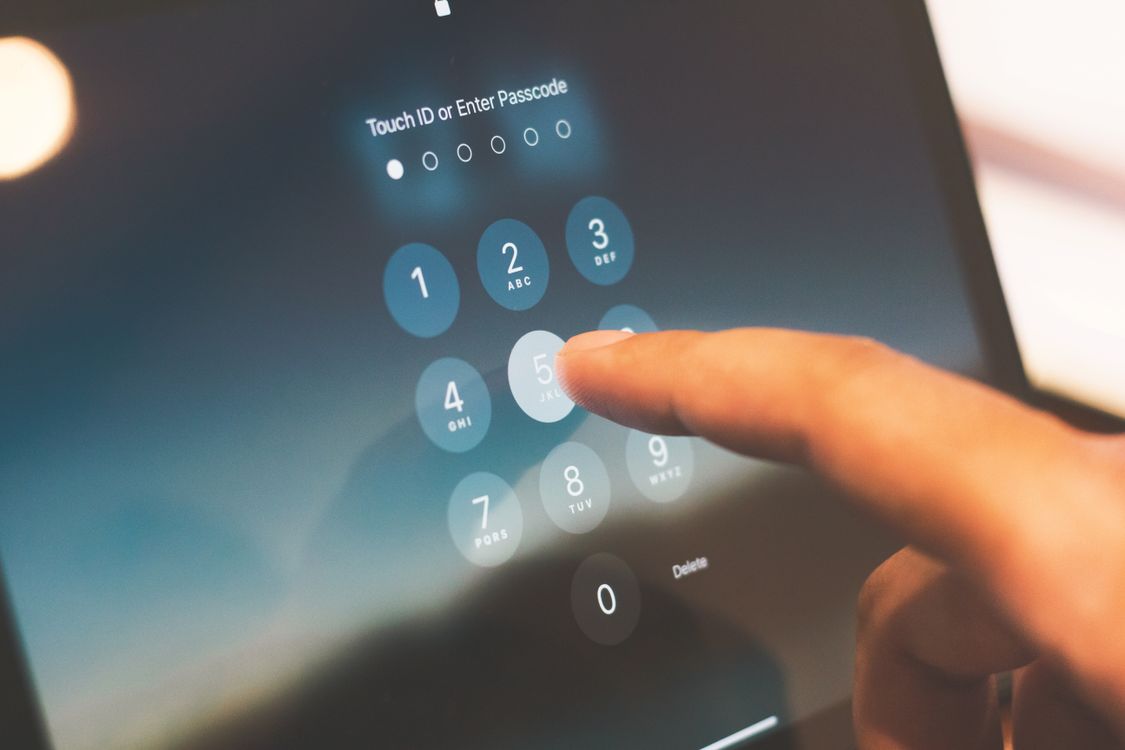
Your bank will never ask you to confirm your password, full card number, or Social Security number over the phone or by clicking a link in a text. If a message asks you to do any of those things, it is a scam. Hang up, delete the message, and call your bank using the number on the back of your card.
What makes these calls convincing: Scammers often already know your name, the last four digits of your card, and sometimes your bank branch. They buy this information from data brokers or earlier breaches. Knowing your name does not mean the caller is legitimate.
For a deeper look at spotting fake emails and texts, see how to tell if an email is fake.
Step 5: Lock Down Your Phone Number Against SIM Swapping
SIM swap attacks rose 20% year over year in 2025 (Keepnet Labs, 2025), making this one of the fastest-growing threats to online banking. Most people have never heard of it, but it's worth understanding because the fix is simple.
Here's what SIM swapping is. Your phone number is connected to a physical SIM card inside your phone. That card is what tells the network to send calls and texts to you. A scammer who persuades your mobile carrier to transfer your number to a new SIM card — often by pretending to be you — can then receive any two-step login codes sent to your number. At that point, your bank account can be drained even if your password is strong.
The fix: call your mobile carrier (AT&T, Verizon, T-Mobile, or whichever you use) and ask them to add a SIM lock or a port freeze to your account. This means any request to change your SIM requires a PIN that only you know. The call takes about 10 minutes and is free.
Also ask them to add a verbal passcode to your account. This is a separate word or number that a caller must provide before the carrier will make any changes. Many carriers now offer this as standard security.
See what to do if you suspect your accounts have been compromised for the immediate steps to take if something goes wrong.
Frequently Asked Questions
Is online banking safe for older adults?
Online banking is safe when a few basic protections are in place. The greatest risk comes from reusing passwords and falling for bank impersonation scams. A strong unique password, two-step login, and account alerts together block the vast majority of attacks. The FBI logged $7.7 billion in internet crime losses for adults 60+ in 2025. (FBI IC3)
What is two-factor authentication and do I really need it?
Two-factor authentication (2FA) means your bank sends a short code to your phone each time you log in. You enter the code along with your password. Microsoft research shows this blocks 99.9% of automated login attacks. It takes about 10 seconds and is the most effective single step you can take. (Microsoft Security Blog)
How do I know if my bank account has been compromised?
Set up transaction alerts so your bank notifies you for every charge. Watch for small unfamiliar transactions, new payees you didn't add, or a password reset email you didn't request. Account takeover fraud affected 6 million Americans in 2025, and early detection is the best way to limit damage. (Javelin Strategy and Research, 2025)
Should I use my bank's mobile app or the website?
Both are safe when accessed directly. The most important rule for either option is to go directly to the official app or website rather than clicking a link from an email or text. The official app from your bank's app store is slightly more secure than a browser because it can't be spoofed by a fake website.
What should I do if I think a scammer has my bank information?
Call your bank immediately using the number on the back of your card. Ask them to freeze your account and flag any recent transactions. Change your online banking password from a different device if possible. The bank's fraud team can walk you through next steps and typically covers unauthorized charges when reported promptly.
Your Bank Account Is Worth Protecting — and It Doesn't Take Long
Online banking fraud is real and growing, but it is not random. Scammers look for the easiest targets: accounts with weak or reused passwords, no two-step login, and no alerts. Each step in this guide removes one of those vulnerabilities.
To recap: use a strong unique password, turn on two-step login, set up transaction alerts, learn to recognize bank impersonation calls, and ask your carrier about a SIM lock. Done together, these five steps put you ahead of most threats.
If you'd like help walking through any of this on your own devices, get help now. A vetted, patient tech support professional can sit with you through each step and make sure everything is set up correctly.
See also: most common online scams targeting older adults and what to do if you clicked a suspicious link.